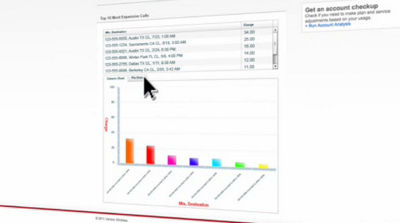
What are Usage Analysis Reports?
Usage Analysis allows you to run reports on a variety of call types like the top 20 most called numbers, or calls by destination, and more over the past eighteen months.
After you've signed in to My Verizon, enter "Usage Analysis" in the "I want to" search bar at the top of the page. Under the bill category click the" usage analysis reports" link.
On the next page you can select which month of service you wish analyzed, and the phone number you would like to analyze. Use the 'Report Type' drop down menu to select the report you want to see.
Once you've chosen the report, click "display". You'll now see a detailed analysis of your category.
Stay in control and don't go over your minutes by accessing usage analysis reports in My Verizon.