How to Swap Phones on your Account
Verizon makes it easy to try out another phone that's active on your account while keeping your own phone number.
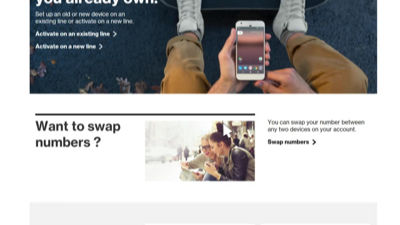
To get started, go to vzw.com and sign in to your My Verizon account. Once signed in, select Devices from the top navigation then click Activate or switch device. Next, scroll down and click on Swap numbers. Select the two devices that you want to switch, click Next to continue.
If your current equipment protection isn't compatible with the phone you are switching to, you'll be prompted to make a new equipment protection selection and confirm to review the changes you made. There's also a chance that when you switch devices, the data plan that each device has may not be compatible. If this is the case, you'll get prompted to change your data plan. Select the plan options you want and click Confirm. Review your changes and click Confirm Feature & Plan Changes.
You'll then be prompted to back up and transfer your contacts and media. There are several methods to choose from, click to get instructions for each. Once complete, click Continue. You'll want to do this for both devices.
Before you complete the swap, it is important to note that this cannot be undone. Be sure that both of your devices are off before you complete the process. Click Swap Devices to automatically swap your phones. Click Yes to confirm both devices are off and you are ready to swap them.
Once your switch is complete, follow the on-screen set-up assistant on each phone to complete activation and set-up. You'll then want to dial #832 to make a free test call to confirm voice activation and launch your internet browser to confirm data connection. If your tests are not successful, please call us for assistance at 800-922-0204.