Session status messages
Session Status

Due to inactivity, your session will end in approximately 2 minutes. Extend your session by clicking OK below.

Due to inactivity, your session has expired. Please sign in again to continue.

HP Envy X2 - Power the Device On / Off

2026-10-27 12:05:53.445

HP Envy X2 - Power the Device On / Off

Here's how to power on and off your HP Envy X2.
To power on, press the
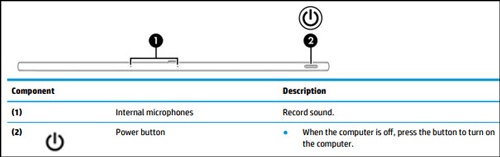
Power button
(upper-right).
Power button
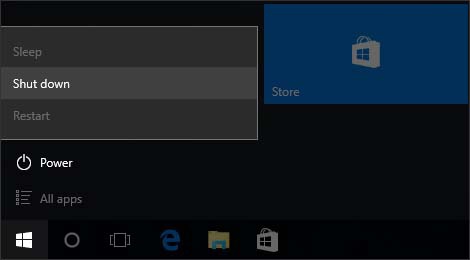
To power off, navigate:
Start menu icon Start menu icon
(from the Windows desktop) >
Power
>
Shut down
.
Shut Down menu