Samsung Chromebook Plus - Add a User Account
Here's how to add a user profile so multiple people can use your Chromebook Plus.
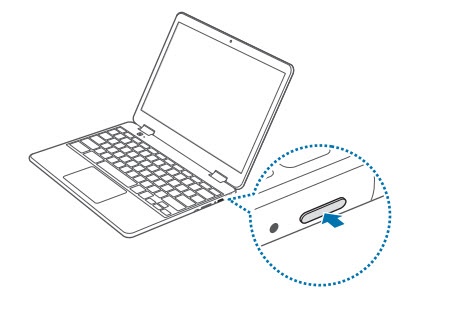
- Press and hold thePower buttonuntil the options screen appears..
- Tap or clickSign out.
- TapAdd Person
.
- Enter your email address into the 'Enter your email' field then tapNEXT.
- Enter your password into the 'Password' field then tapNEXT.
- Review the options then tapAccept and continue.
- Review the Google Play Terms of Service / Privacy Policy, accept any of the following, then tapI Agree:
- Backup Google Drive
- Help apps find location