Alcatel Avalon™ - Capture a Screenshot
Here's how to capture a screenshot from your Avalon.
To capture a screenshot, simultaneously press and hold the
Power
and Volume down button
(for approximately 2 seconds). To view the screenshot you've taken, swipe up from the center of the display on a Home screen then navigate: 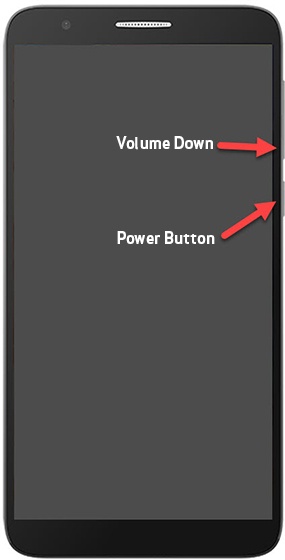
Photos
> Albums
> Screenshots
.