Inseego Business Phone Connect - Restart Device
Here's how to restart your Business Phone Connect.
A soft reset (turning the device off then back on) is similar to restarting a desktop computer and is one of the first steps in troubleshooting a device.
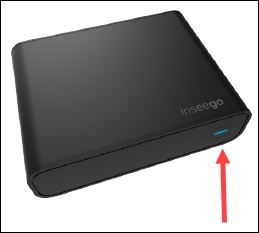
Reboot via Device
- Press thePower button(on the back of the unit) to turn the device off.
- Press thePower buttonagain to turn the device back on.
Reboot via Admin Page
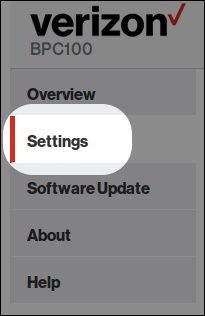
- Access the admin page then clickSettings.For assistance, refer to Access Admin Page.
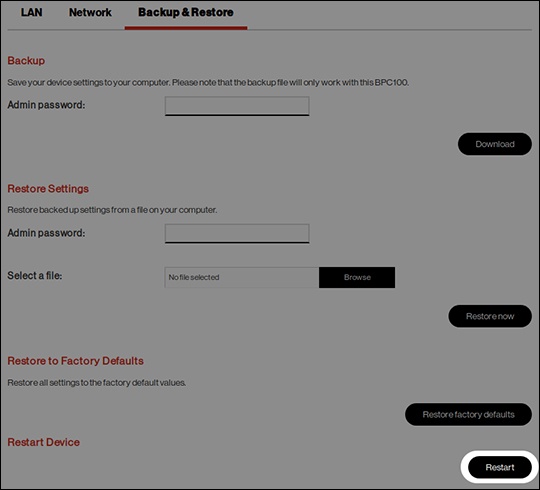
- From the top menu, clickBackup & Restore.
- From the Backup & Restore section, clickRestart.