Inseego Business Phone Connect - Install Device Software Updates
Here's how to check for and install software updates on your Business Phone Connect.
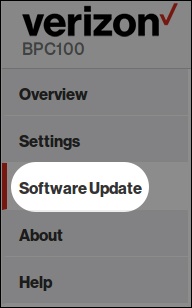
- Access the admin page then clickSoftware Update(on the left menu).For assistance, refer to Access Admin Page.
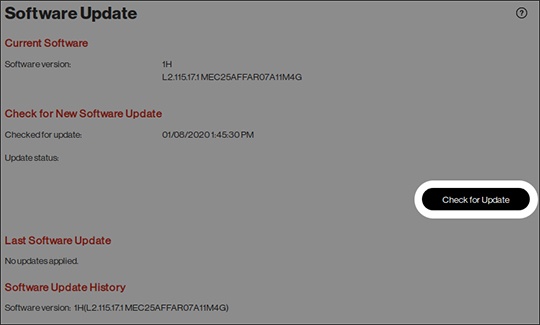
- From the Software Update section, clickCheck for Update.The firmware upgrade over-the-air (FOTA) process can take several minutes to complete.