LTE Network Extender - View MAC Address
Here's how to view the MAC address of your LTE Network Extender.
External
From the back of the device, view the following information on the bar code label. 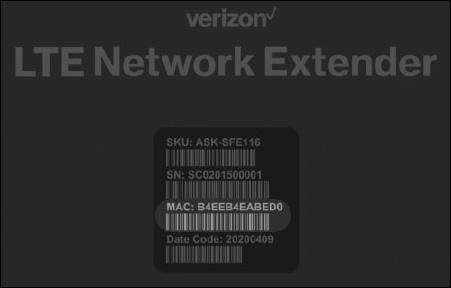
Related topic:
Device Display
Reference the device display to determine the MAC ID. 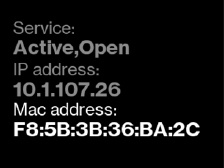
Press the
Display button
located on the left side of the device until the MAC is visible. Related topic:
Internal
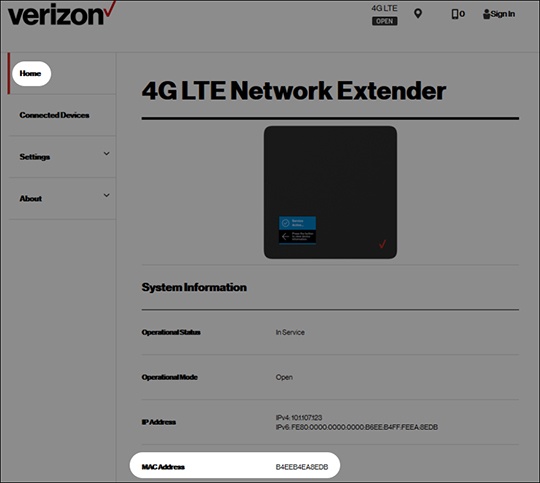
- Access the Network Extender Admin then if needed clickHome(on the left).For assistance, refer to Access Network Extender Admin.
- From System Information, view the MAC Address.
Related topic: