LTE Network Extender - View Connected Devices
Here's how to view the devices connected to your LTE Network Extender.
Follow the steps below to identify currently connected users and capacity utilization of the LTE Network Extender.
- Access the Network Extender Admin then clickConnected Devices(on the left).For assistance, refer to Access Network Extender Admin.
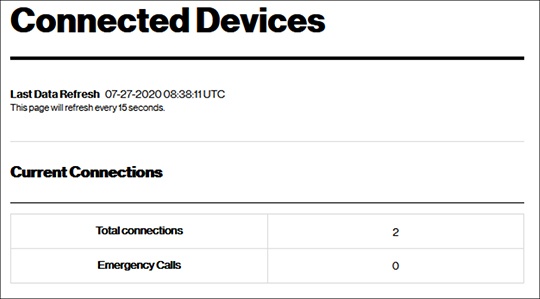
- From Connected Devices, view the following:
- Total connection
- Emergency calls