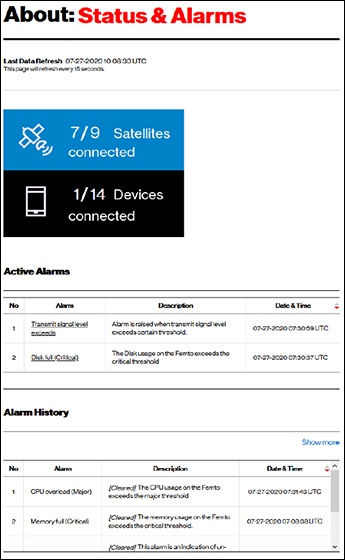
LTE Network Extender - View Status and Alarms
Here's how to view the status and any alerts on your LTE Network Extender.
View current status and alarms to verify connectivity and identify any alerts.
- From the Network Extender Admin, clickAbout(on the left).For assistance, refer to Access Network Extender Admin.
- ClickStatus & Alarmsto view the following:After initial setup the Network Extender uses nearby cell sites to verify GPS. This may cause Location Assistance to display the status of "Not Reachable".
- Active Alarms
- Alarm History
- Server Connectivity