Verizon 5G Internet Gateway (LVSKIHP) - Install / Set Up 5G Home - Signal Test
Here's how to perform a signal test for the 5G Internet Gateway (LVSKIHP).
Need to know info before you start:
- Don't open boxes until instructed.
- Enable Bluetooth® on the device you're connecting to the 5G Internet Gateway.
- Everything you need is in the box.
- Signal test for the 5G Internet Gateway is performed within the My Verizon app for Google™Android™ and Apple® iOS.
This content is for the 5G Internet Gateway (LVSKIHP). Refer to How to Identify Verizon 5G Home Equipment if you need to verify the model you're using.
- Open the My Verizon app
then tap
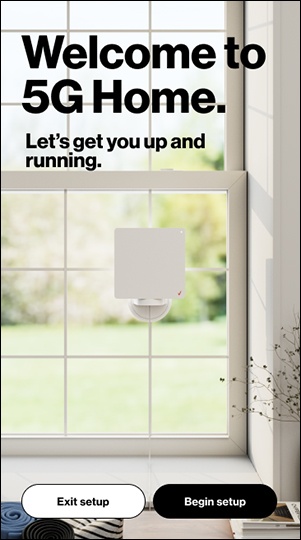
Start your 5G Home setup.For the best experience, ensure you are signed into your My Verizon account. For instructions on how to register, refer to Register via My Verizon App Using Order Number.Alternatively, scan the QR code in the Quick Start Guide included with the shipment or navigate tohttp://setup.verizon.com/5Ginternetgatewayto get started. - TapBegin setupto get started.If prompted, allow access to Bluetooth and location.
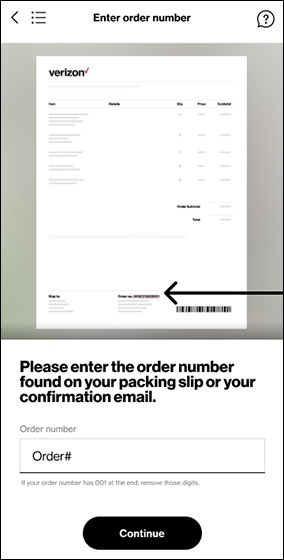
- If prompted enter the order number found on your packing slip or your confirmation email then tapContinue.
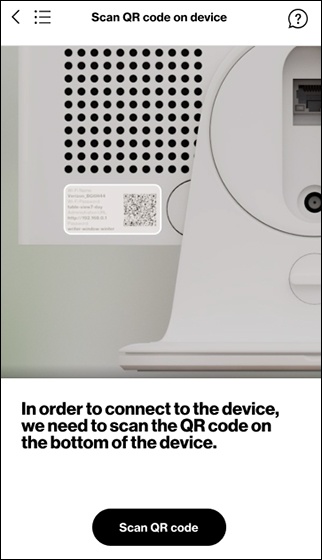
- TapScan QR codeto start scanning the QR code on the bottom of the device in order to connect to the device.
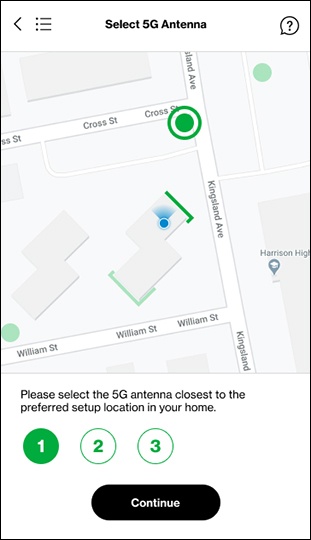
- Select the 5G antenna closest to the preferred setup location in your home then tapContinue.This option may not be available if there is only one antenna nearby.
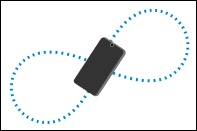
- Calibrate your compass by tilting your phone and moving it at least three times in a figure-eight motion.
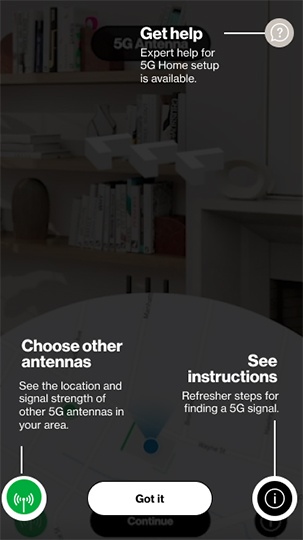
- Review the instructions to locate the nearest 5G antenna then tapGot it.
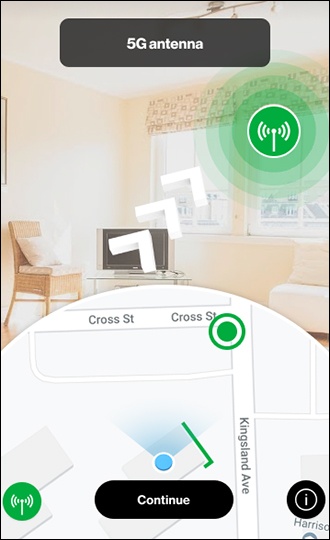
- Follow the arrows to find the 5G signal area in your house that's closest to the 5G antenna outside then tapContinue.
- Review the window checklist then tapContinue.When choosing a window, consider:
- There is an outlet nearby.
- The window or wall is away from water, e.g. not in a bathroom or kitchen.
- The window or wall is on the ground floor or above. Windows upstairs are preferred.
- This is not an emergency escape window/exit.
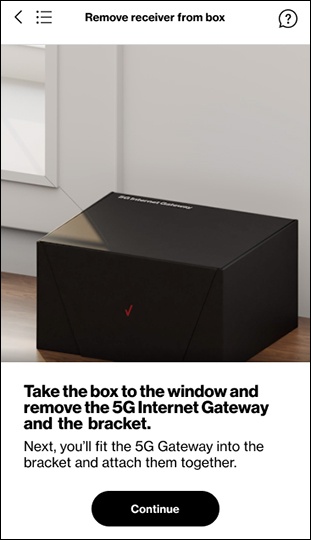
- Take the box to the window and remove the 5G Internet Gateway and the bracket then tapContinue.Watch this video for a demo.
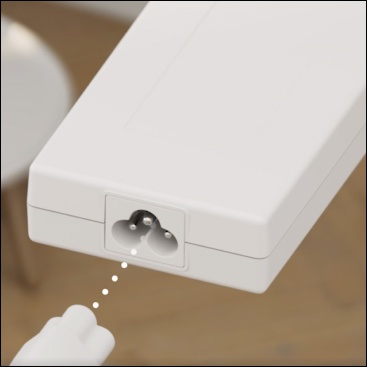
- Connect the power cord to the AC adapter, connect the AC adapter to the device, and plug the power cord into an electrical outlet then tapContinue.Watch this video for a demo.
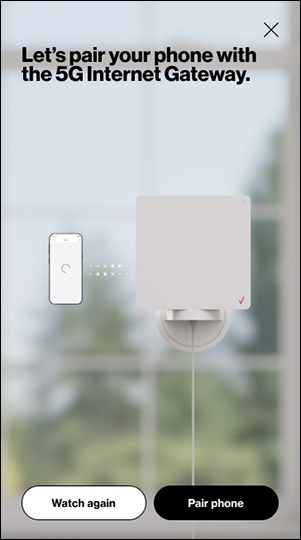
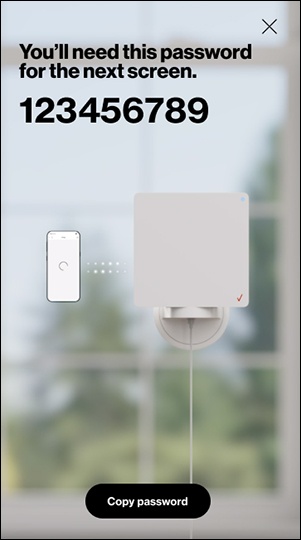
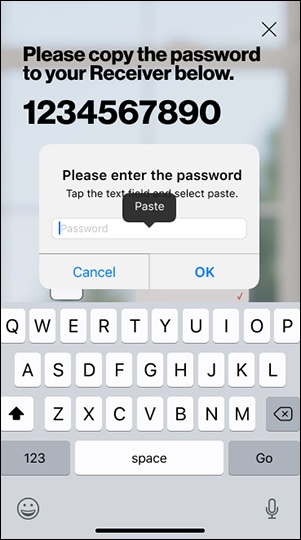
- TapCopy passwordto continue to the next step.
- Tap and hold on the password field then tapPaste. Pairing and activation begins.This process may take up to 6 minutes.
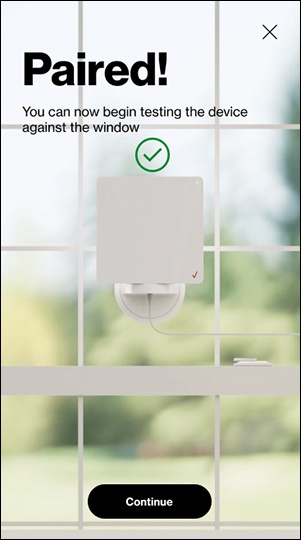
- From the 'Paired' screen, tapContinue.
- Review the instructions to locate 5G antennas then tapContinue.
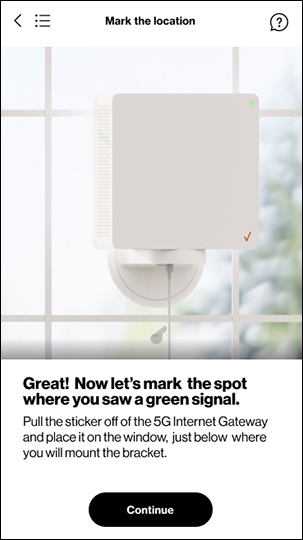
- Once a signal is found, pull the sticker off the 5G Internet Gateway and place it on the window, just below where you will mount the bracket then tapContinue.Watch this video for a demo.
- Watch this video for a demo.