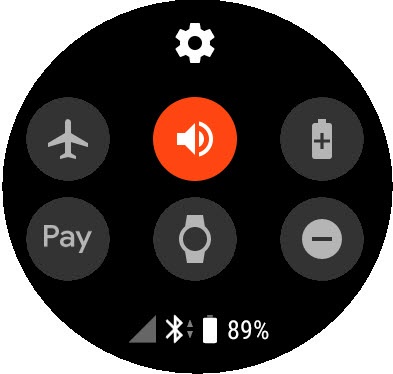
Fossil Gen 5 LTE Smartwatch - Turn Airplane Mode On / Off
To turn Verizon network services on / off or if they aren't functioning on your Fossil Gen 5 LTE Smartwatch, view this info.
When Airplane Mode is on, Verizon wireless network voice and data services won't work, but Wi-Fi can be used.
Ensure the software on your Fossil Gen 5 LTE Smartwatch is up to date as the steps below apply to the most recent version.
- From the watch screen, swipe down from the top edge of the watch to view the Notification Panel.
- Tap theAirplane mode iconto turn on
or off
.