Verizon Internet Gateway - Configure DHCP
Here's how to configure DHCP settings on the Internet Gateway.
Dynamic Host Configuration Protocol (DHCP) is a network management protocol used to automatically assign IP addresses. It's recommended that this setting remain enabled for most networks.
- Access the router admin page then clickAdvanced(top).Refer to Access Admin Page for assistance.
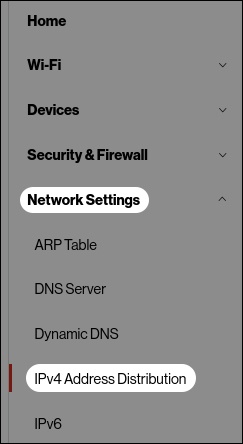
- From the left menu, click .
- From the 'DHCP Settings for Network' section, configure as appropriate then clickApply.