Verizon Internet Gateway - DMZ Settings
Here's how to test the firewall settings for the Internet Gateway.
Demilitarized Zone / Data Management Zone (DMZ) is an advanced feature. For additional assistance, contact IT support. To obtain settings, contact the app manufacturer.
- Access the router admin page then clickAdvanced(top).Refer to Access Admin Page for assistance.
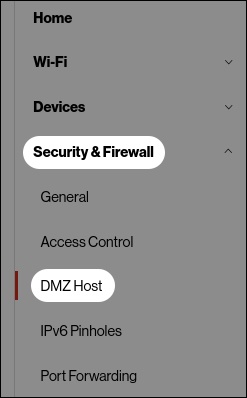
- From the left menu, clickSecurity & Firewallthen clickDMZ Host.
- Configure as appropriate then clickApply Changes.