Verizon Internet Gateway - Enable WPS
Here's how to enable Wi-Fi Protected Setup (WPS) on the Internet Gateway.
Wi-Fi Protected Setup (WPS) allows you to create a wireless connection between your router and a device automatically by simply pushing a button or entering a PIN code.
- Access the router admin page then clickAdvanced(at the top).Refer to Access Admin Page for assistance.
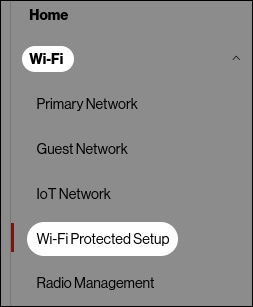
- Access the router admin page then clickWi-Fi settings(left menu).Refer to Access Admin Page for assistance.
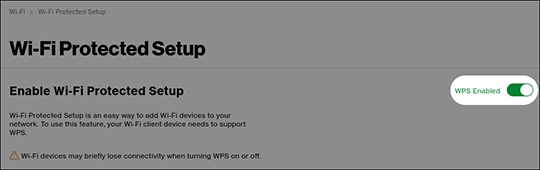
- From the 'WPS' section, enable
or disable
WPS.