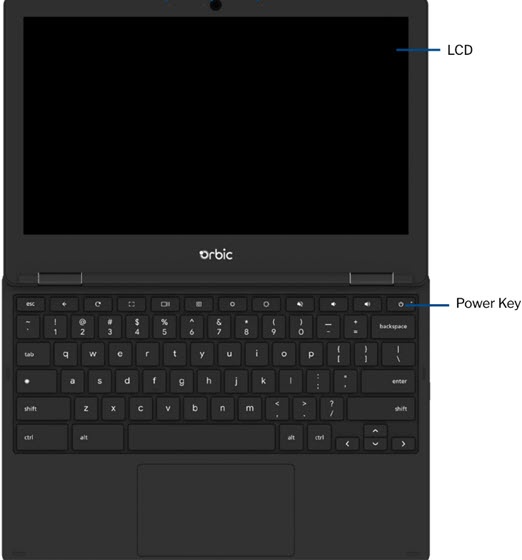
Orbic Chromebook - Power the Device On / Off
Here's how to turn your Orbic Chromebook on or off, which can help if its unresponsive, frozen or runs slow.
If you need to power your Orbic® Chromebook® on or off, follow these step-by-step instructions.
Power button
. If the device is unresponsive / frozen, press and hold the
Power button
for approximately 10 seconds or until the device power cycles.