One Talk T41S/SW, T42S, T42U IP Desk Phones - Factory Reset
Here's how to reset your One Talk T41S/SW, T42S or T42U IP Desk Phone to factory default settings if your system admin advises you to do so.
- Press theMenu soft key.
- SelectSettings.
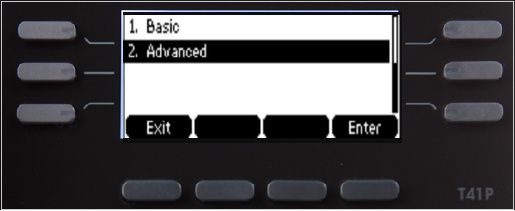
- SelectAdvanced.
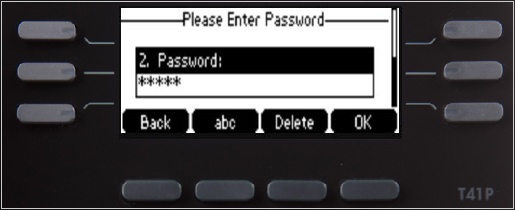
- Enter the password using the keypad.Default password: @N3ta!k2@2*
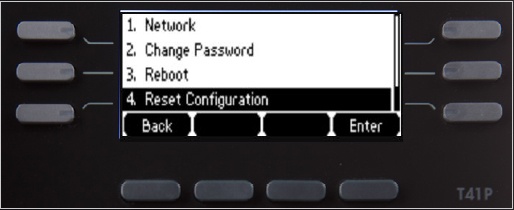
- SelectReset Configuration.
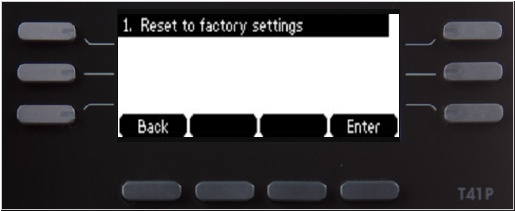
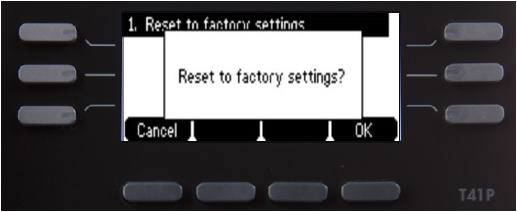
- SelectReset to factory settings.
- SelectOK.
- The desk phone begins the initialization process.The process may take up to 15 minutes.The phone displays "Initializing, please wait during this process."
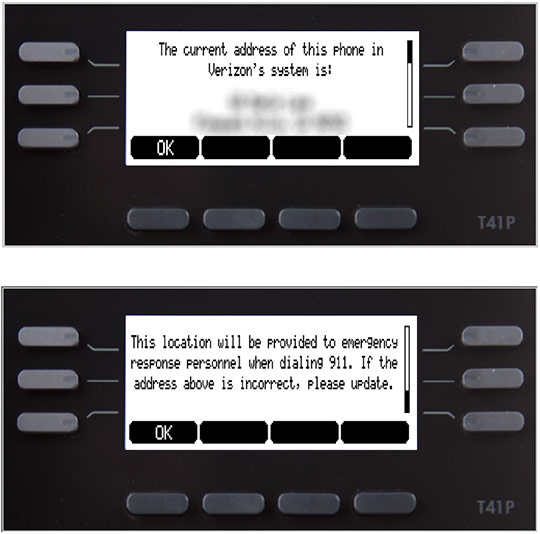
- After successful activation, the 911 notification screen displays. PressOK.To view your 911 address, press theAddress line keyto the right of the LCD screen.