One Talk T46S/SW IP Desk Phones - Restart Device
Here's how to restart your One Talk T46S/SW IP desk phone.
- To make a selection, press the appropriate corresponding soft key.
- For T46 desk phone models, you can perform a soft reset by holding theX button(directly below the 4-way navigation pad) for 5 seconds then pressingOKat the reboot phone screen prompt.
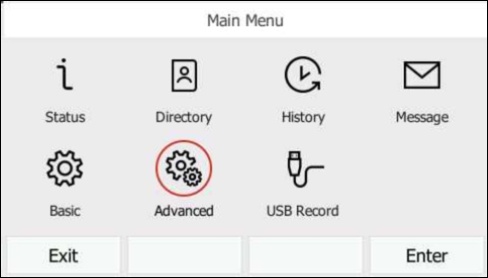
- From the Home screen, press theMenu soft key.
- SelectAdvancedthen pressOK.
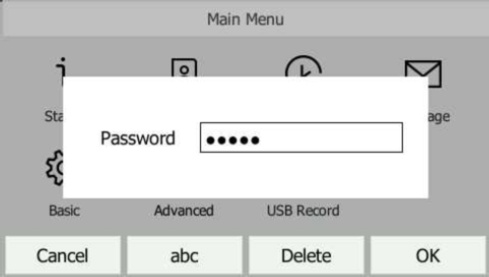
- Enter the password then press theOK soft key.The default password is "admin".Use the keypad to enter characters. For example, "admin" is entered as 2 3 6 444 66.
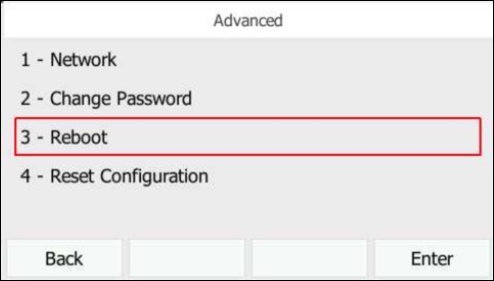
- SelectReboot.
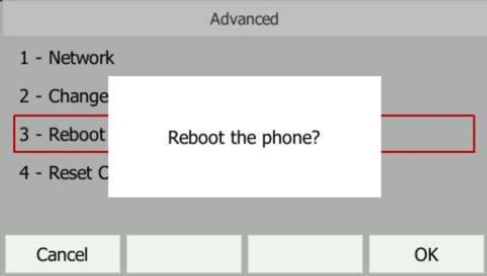
- PressOKto reboot the phone.
- The Desk phone begins the initialization process.The process may take up to 15 minutes.The phone displays "Initializing, please wait during this process."
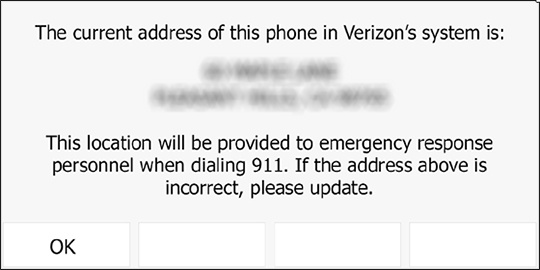
- After successful activation, the 911 notification screen displays. PressOK.To view your 911 address, press theAddress keyto the right of the LCD screen.