One Talk CP920 IP Conference Phone - Restart Device
Here's how to restart your One Talk CP920 IP conference phone.
To make a selection, press the appropriate corresponding soft key.
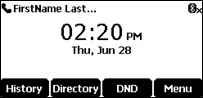
- From the Home screen, press theMenu soft key.
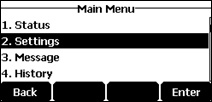
- SelectSettings.
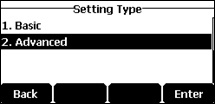
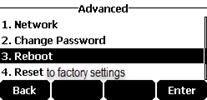
- SelectAdvanced.
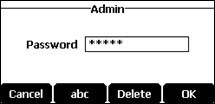
- Enter the password.The default password is "admin".Use the keypad to enter characters. For example, "admin" is entered as 2 3 6 444 66.
- SelectReboot.
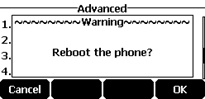
- SelectOK.
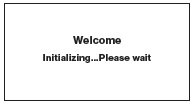
- The desk phone begins the initialization process.The process may take up to 15 minutes.
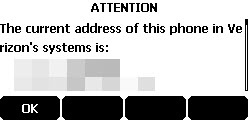
- After successful activation, the 911 notification screen is displayed. PressOK.