One Talk T64LTE & T67LTE 4G LTE Desk Phones - Alternate Factory Reset
Here's how to restore your One Talk T64LTE or T67LTE 4G LTE Desk Phone to factory settings if the phone isn't responsive when powered on.
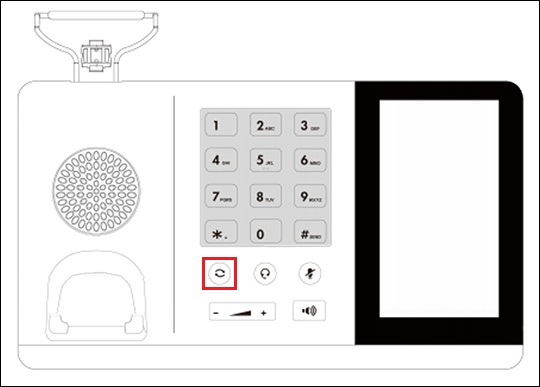
- From the main display on the desk phone, press and hold theRedial keyfor 7 seconds.
- When prompted, tapYesthen wait for the phone to restart.
- The desk phone begins the initialization process.The process may take up to 15 minutes.
- From the 911 notification screen, tapOK.The 911 screen displays after successful activation.