Reboot the Router - Verizon 4G LTE Broadband Router
Here's how to restart your 4G LTE Broadband Router if it crashes or resets, freezes or runs slow.
The reboot process could take up to 2 minutes. Allow all the appropriate LEDs to light up.
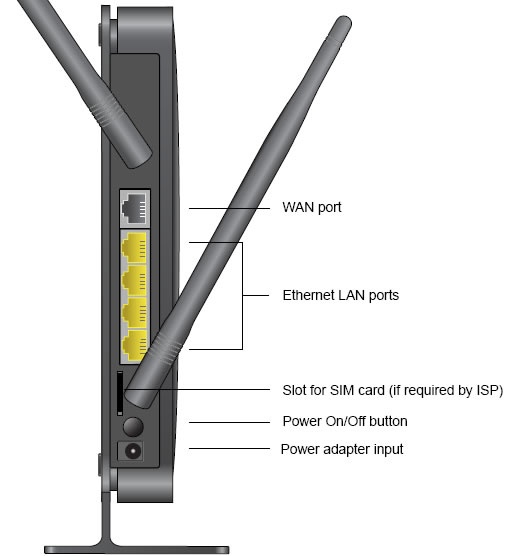
External
- Locate then press thePower On / Off button(back panel - lower side).
Internal
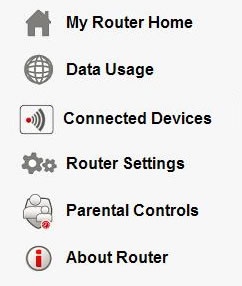
- Access the router configuration tool then clickAbout Router(on the left).For assistance with accessing the router configuration page, refer to Accessing the Router Configuration.
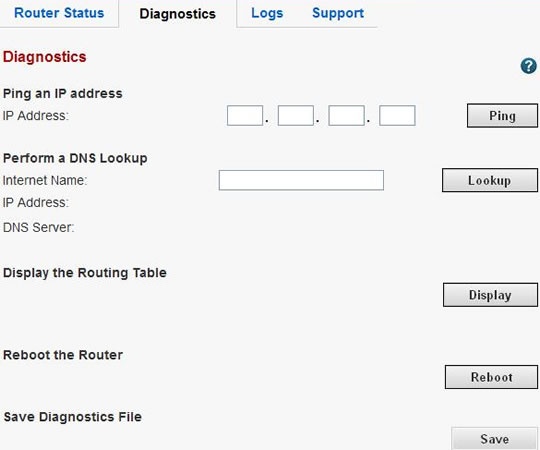
- From the Diagnostics tab, clickReboot.
- ClickOK.The restart process may take up to 2 minutes.