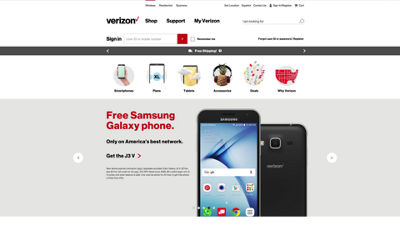
This video will show you how to activate One Talk on a pre-authorized line through My Verizon.
Once a line has been pre-authorized, an account manager or owner has to log in to My Verizon to activate One Talk.
Under My Plans and Services, click Manage Products and Apps.
Scroll down until you find One Talk. You can review the Terms and Conditions by clicking here.
When you're ready to purchase One Talk, click Get it now.
Choose a compatible line, click Confirm Purchase, then OK on the confirmation screen.
To make changes to your One Talk account, click Manage My Shared Lines.
If you need additional assistance please refer to the One Talk Resources Support page.