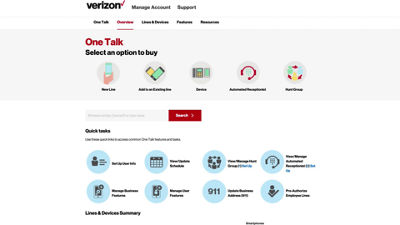
This video will show you how to manage One Talk user information through the web portal.
On the Overview tab, select the quick task button Set Up User Info.
All of your One Talk lines are displayed.
The user name is what will appear in desk phone displays.
An accurate email address is critical to ensure proper delivery of an activation pin for the mobile app.
Extensions are required if you want to use 4-digit dialing.
Calling ID sets the outgoing name and number of the caller.
Edit or update user information by clicking on the number and then clicking the Edit User Information link.
When you're finished editing, simply click Submit to save your changes.
If you need additional assistance, please refer to the One Talk Resources Support page.