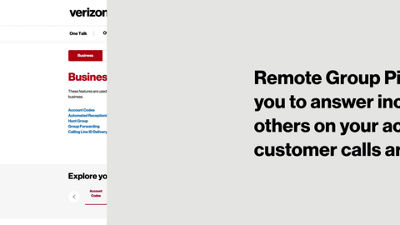
This video will show you how to set up the Remote Group Pickup feature. This allows you to answer incoming calls for others on your account so no customer calls are missed.
In the Features tab, select Remote Group Pickup.
Begin by creating a new group, and giving it a name.
Now you need to assign lines to the group.
You can filter available lines by name or number.
To add or remove lines from the group, just drag and drop or use the arrow buttons.
Click Submit to confirm your group settings.
To answer calls for others in the group, use the feature activation code **97 followed by their extension.
A complete list of features access codes can be found by clicking here on the features tab.
If you need additional assistance please refer to the One Talk Resources Support page.