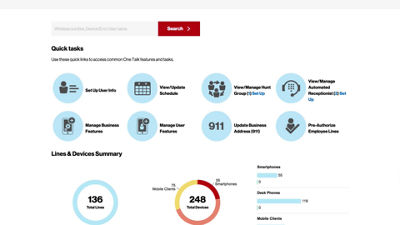
This video will show you how to set up your business 911 address on a One Talk desk phone.
One of the first things you need to do when setting up your One Talk account on a compatible desk phone is to provide your 911 address. This is the address where you would want to receive emergency services.
Go to the quick task button Update Business Address.
Select the main business phone number with an associated desk phone.
Note that a 911 address must be assigned to each desk phone through the portal.
Select the associated desk phone device, then click the 911 edit option to update, then click Submit.
Repeat this step for each line associated with a desk phone.
If you need additional assistance, please refer to the One Talk Resources Support page.