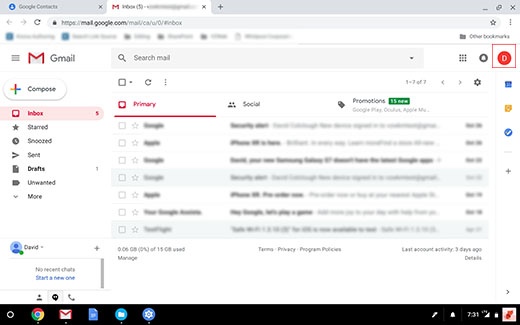
Samsung Chromebook Plus - Remove Gmail™ Account
Here's how to remove a Gmail account from your Chromebook Plus.
- Tap or click theGmail icon
.
- Tap or click theGoogle Account icon(upper-right).The icon appearance varies with the setup of your Google account.
- TapSign out.
- TapRemove account.
- Tap the appropriate email address.Multiple accounts may appear.
- TapYes, remove.