moto g7 play - Activate / Set Up Device
Here's how to quickly set up your moto g7 play.
If you need to transfer contacts and media from one device to another, follow these step-by-step instructions before activating the new device.
To activate the device on prepaid service, refer to Set up Verizon Prepaid Service.
- If powered off, press and hold thePower button(located on the right edge of the device) until the Motorola logo appears then release.
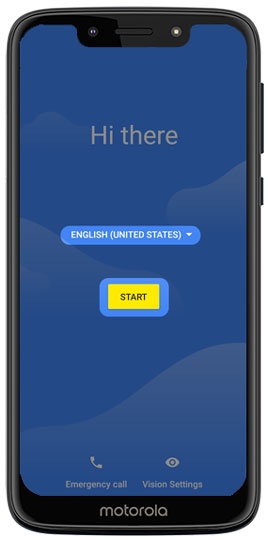
- Select the appropriate language then tapStart.
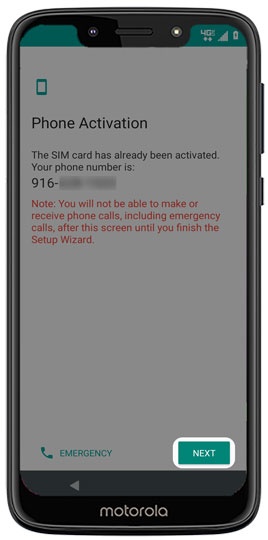
- From the 'Phone Activation' screen, tap NEXT or tap ACTIVATE (if available).If prompted, enter the account PIN then follow the onscreen prompts (see Account PIN FAQs for additional info).If activating a new phone, ensure the old phone is powered off.
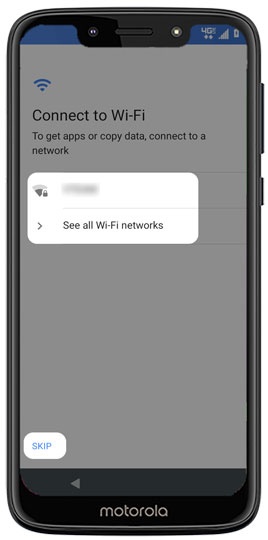
- From the 'Connect to Wi-Fi' screen, select a network then enter the password.apSKIPto add a Wi-Fi network after setup is complete.
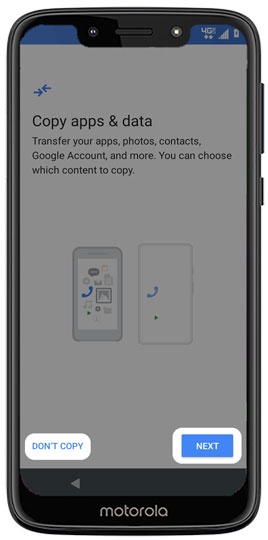
- From the 'Copy apps & data' screen tapNext, then follow the on-screen prompts to choose a transfer method.To transfer your data at a later time tapDon't copy.If troubleshooting, choose this option and don't restore the device until all testing has been completed.
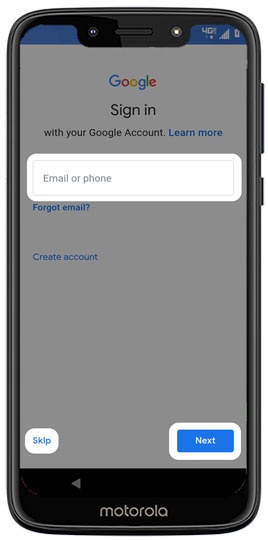
- Sign in to your existing Google™ account or create a new one.TapSkipto add your Google account after setup is complete.
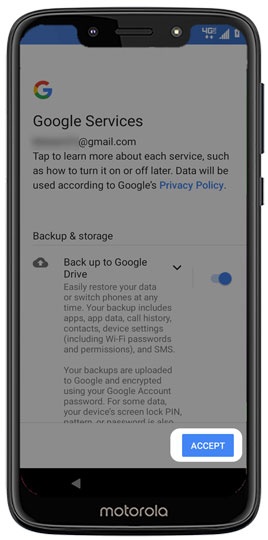
- From the 'Google services' screen tapMorethen tapAcceptafter reviewing all info. Tap any of the optional services to turn on
or off
.
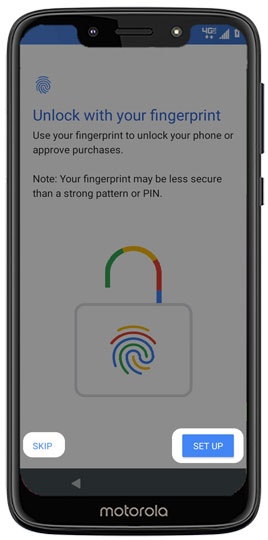
By tapping Accept, you are also agreeing to the Google Terms of Service. - From the 'Unlock with your fingerprint' screen, tapSet Up.TapSKIPto set up Fingerprint Recognition after setup is complete.
- Review the additional settings by tapping the appropriate option or skip by tappingNo Thanks.
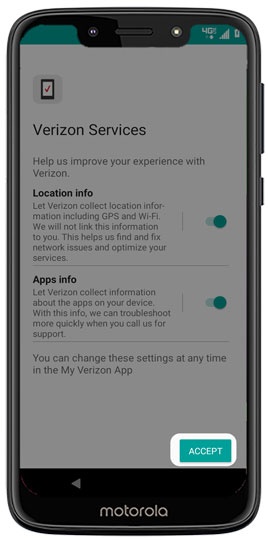
- From the 'Verizon Services' screen, tap any of the switches to turn on
or off
then tap
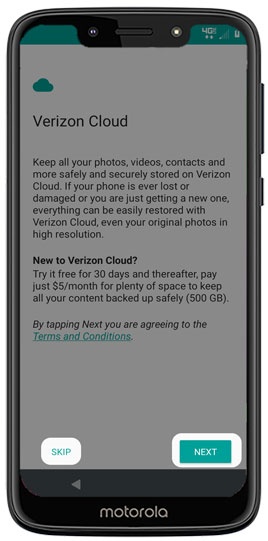
ACCEPT. - From the 'Verizon Cloud' screen, tapNEXT.TapSKIPto set up Verizon Cloud after setup is complete.
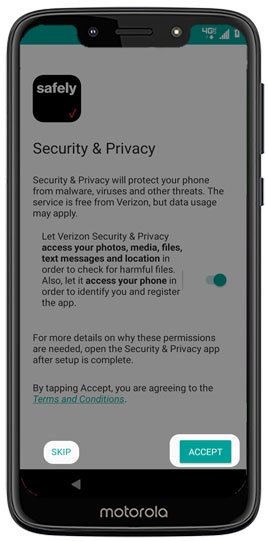
- From the 'Security & Privacy' screen, tap theswitchto turn onACCEPT.
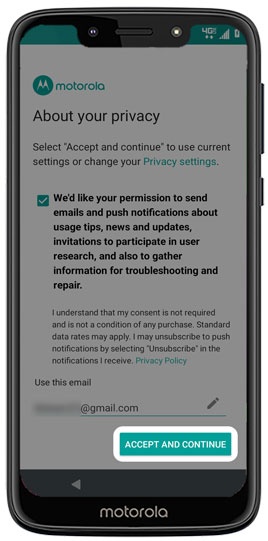
- From the 'About your privacy' screen tapACCEPT AND CONTINUEto use current settings.TapPrivacy settingsto make changes to your privacy settings.
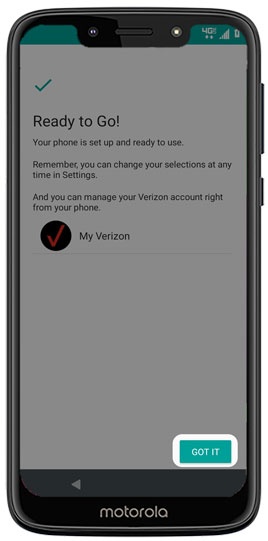
- TapGOT ITto exit the device set up.