My Verizon Website - Configure Access Settings - LTE Network Extender
Here's how to manage your Network Extender priority list via the My Verizon website.
- Managed access is not available for prepaid customers.
- Apartment residents or those with nearby neighbors can use the managed access list to prioritize up to 50 Verizon mobile numbers.
- Only the Account Owner or Manager with full online access can manage a Network Extender.
- From a web browser, sign in to My Verizon.If not yet registered, refer to Registering for My Verizon for assistance.
- From the My Verizon Home screen, Navigate: .
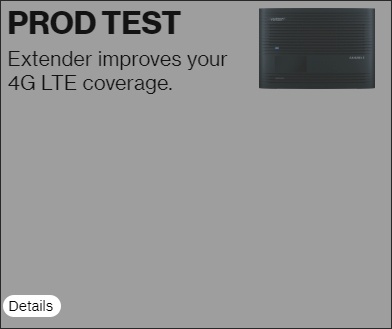
- From the 'My devices' section, clickDetailsunder the Network Extender image.
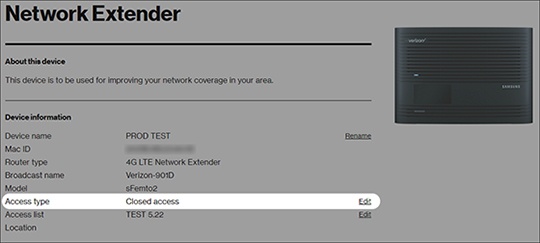
- From the Network Extender details section, clickEditnext to 'Access type'.
- Select one of the following then clickConfirm:
- Open Access (Unrestricted)- Default setting - Allows any Verizon wireless customer within range to connect to the Network Extender.
- Hybrid Access- Open and priority service for members. Access is open to any Verizon wireless users within range. Members of the access list have priority access.
- Closed access- Provides priority access for up to 50 Verizon mobile numbers.
To configure Managed Access contacts, refer to Add Contacts in Managed Access (My Verizon).