Verizon 5G Internet Gateway (LVSKIHP) - Enable / Disable a Connected Device
Here's how to enable or disable devices connected to your 5G Internet Gateway (LVSKIHP).
This content is for the Verizon 5G Internet Gateway (LVSKIHP). Click here to identify your device.
- Sign in to the Admin WebGUI.
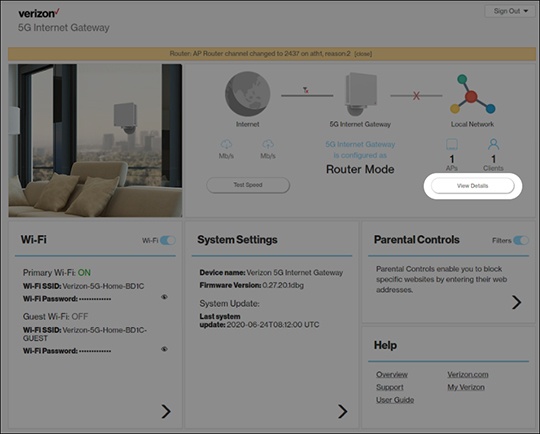
- From the Router Home screen, clickView Details.
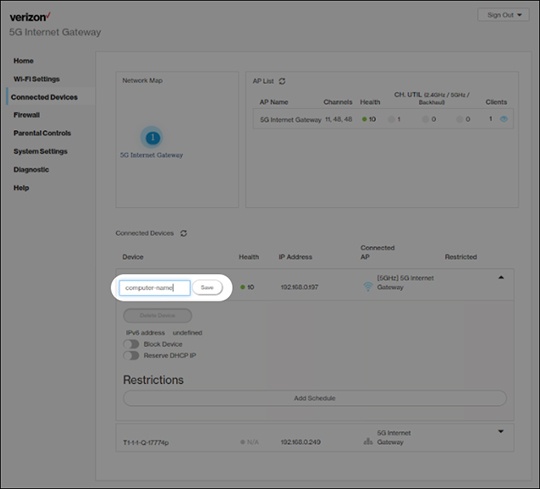
- From Connected Devices, click theDropdown iconto the right of the appropriate device.
- Click theBlock Device switchon
or off
.
The selected device's connection is disabled when switched on.