One Talk T41S/SW, T42S, T42U IP Desk Phones - Turn Do Not Disturb (DND) On / Off
Here's how to enable / disable the Do Not Disturb (DND) setting on your One Talk T41S/SW or T42 series IP Desk Phone.
The Do Not Disturb function can be turned on / off in the One Talk admin portal.
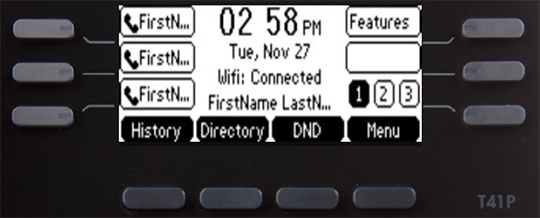
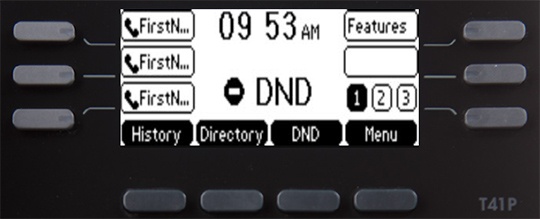
- From the Home screen, press theDND soft keyto enable or disable.If turned off in the admin portal, the soft key can still be pressed but the line will still receive incoming calls.When enabled, 'DND' displays on the screen.