One Talk VZP59 IP Desk Phone - Turn Do Not Disturb (DND) On / Off
Here's how to enable / disable the Do Not Disturb (DND) setting on your One Talk VZP59 IP Desk Phone.
The Do Not Disturb function can be turned on / off in the One Talk admin portal.
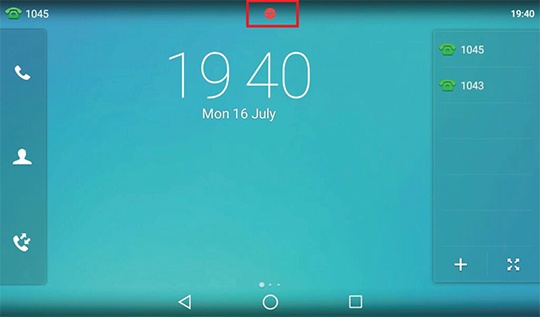
- From the Home screen, tap the desired line then selectOfffrom the DND Status field.When enabled, the Do Not Disturb icon
displays on the main screen.