Software Upgrade Assistant (ASUS) - Software Update
This helps you update the software on your ASUS device using your laptop/PC, in the event an Over-the-Air (OTA) software update fails.
- The software upgrade process may take up to 30-35 minutes (depends on Internet speed).
- Don't disconnect the device from the computer or power off the device until the update completes.
- You won't be able to use your wireless device during the upgrade process.
- Ensure the Software Upgrade Assistant (SUA) software is installed. Refer to Initial Setup - Software Upgrade Assistant for assistance.
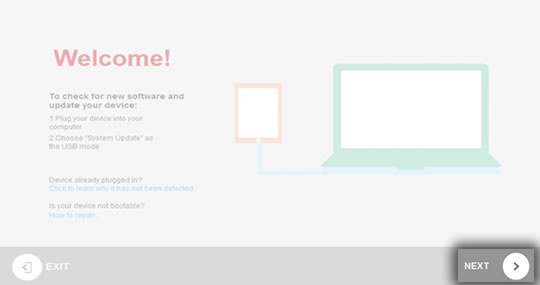
- Ensure the wireless device is powered on and connected to a compatible computer using the supplied USB cable.If prompted, disable device lock setting then reconnect the wireless device.The Software Upgrade Assistant automatically searches for updates for your device.
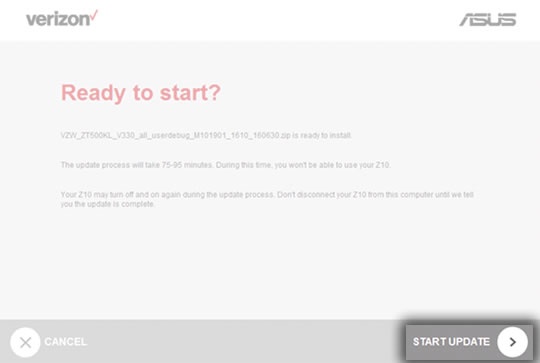
- When prompted with "Ready to Start?", clickSTART UPDATEto begin the software upgrade process. This may take up to 140 minutes.The "Upgrade available" pop-up window only appears when a software upgrade is available.The software upgrade begins once the software upgrade package is downloaded and progress of download and upgrade show via a status bar.The most recent software version becomes available on the SUA/SRA tool within a week of a new software update. During this time, the SUA/SRA is unavailable for usage.Images may vary depending upon device type.
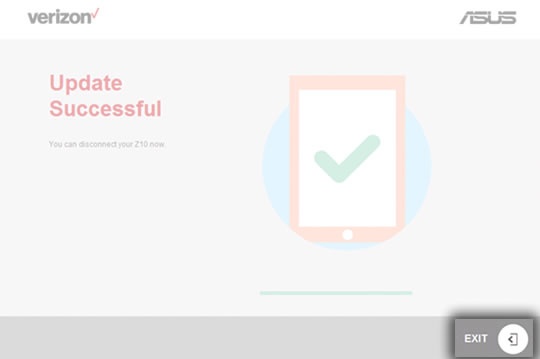
- ClickExitwhen prompted with "Update Successful."If the update fails to install, refer to the Software Repair Assistant for further assistance.