One Talk T41 S/SW & T42 Series IP Desk Phones - Enable / Disable Intercom
Here's how to enable / disable Intercom on your One Talk T41S/SW or T42 series IP Desk Phone.
- Intercom is a user level feature available for compatible One Talk Desk Phone models. The feature is enabled by the end user on each Desk Phone as opposed to a setting in the One Talk portal.
- Once enabled, customers using compatible Desk Phones can place direct calls from their One Talk extensions to other One Talk extensions. When the phone call connects to a receiving One Talk Desk Phone, the call is automatically answered by the speaker phone, allowing the parties to immediately begin a 2-way conversation.
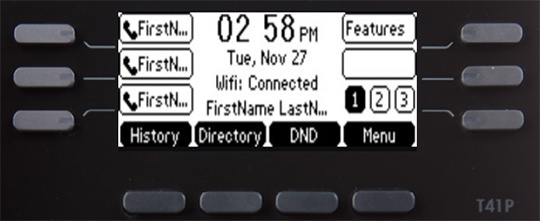
- From the Home screen, press theFeatures soft key.
- Using the navigation arrow keys, highlightIntercomthen select Enable or Disable.