One Talk T41S/T41SW & T42 Series IP Desk Phones - Set Up Intercom Key
Here's how to set up the intercom key on your One Talk T41S/SW or T42S IP Desk Phone.
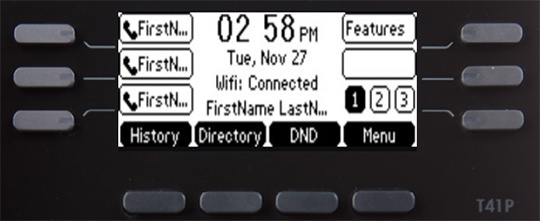
- From the Home screen, press and hold an empty soft key.
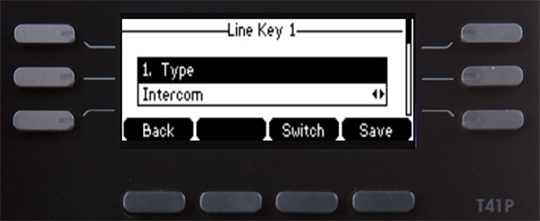
- From the Type field, press theIntercom soft key.
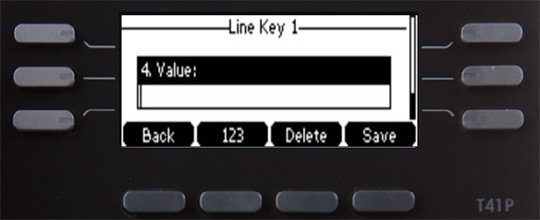
- Enter the appropriate information then press theSave soft key:The phone prompts for an extension number if left blank.
- Label
- Value (extension number)